
Ask your AI to plan the trail
Add TrailSync to Claude or ChatGPT. Then ask for a route, a fire and smoke check, or campsites that fit your rig, and get answers with their sources. Free, and no account needed.
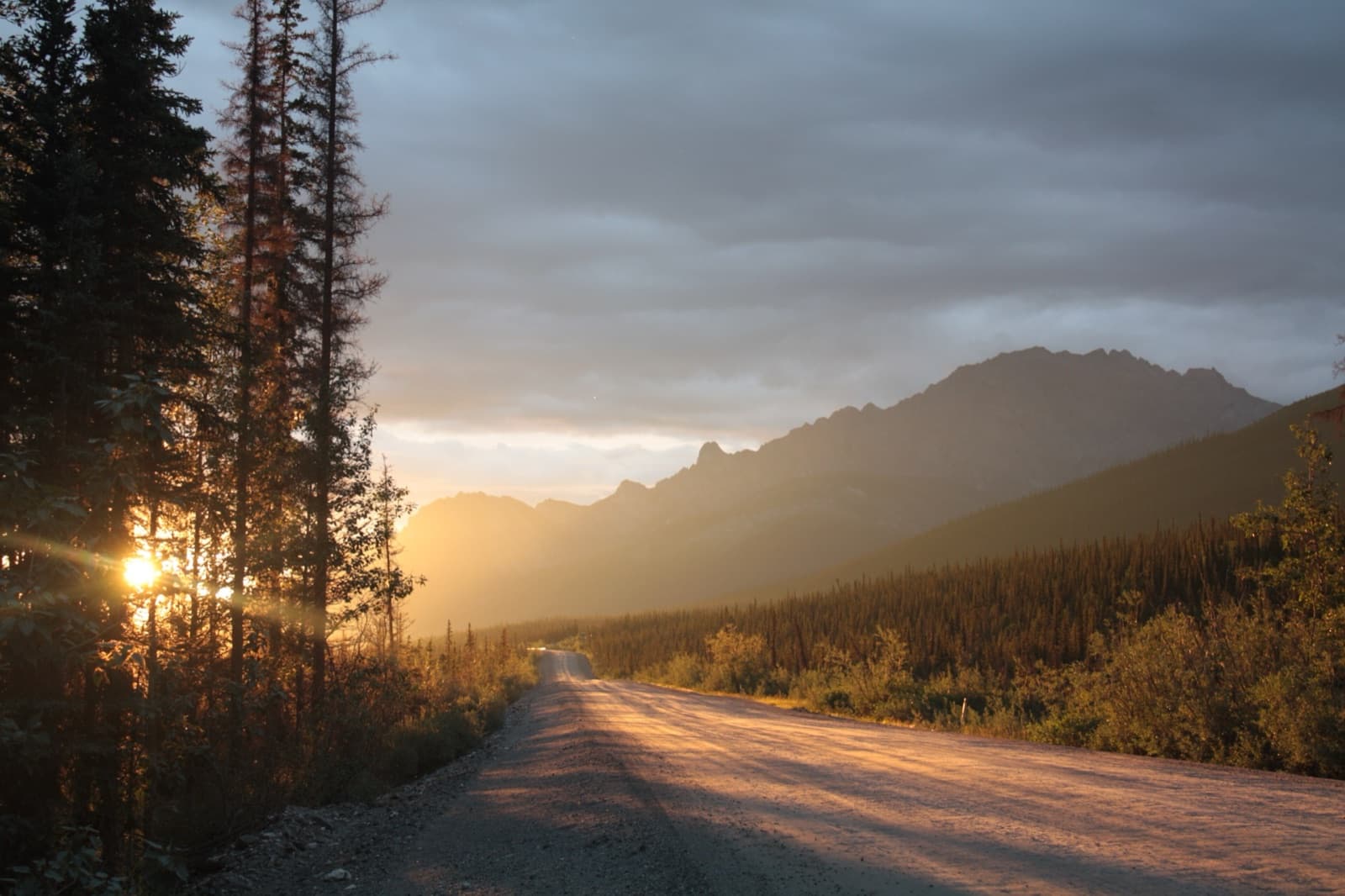
Dalton Highway, AK · Photo: Kelly from Austin, US / CC BY-SA 2.0Paste this wherever your assistant asks for a connector or MCP server URL. Authentication: none.
Claude
- 1Tap the button below. It opens Claude’s Add custom connector box (or go to Customize, then Connectors, then Add).
- 2Name it TrailSync, paste the server URL above, and choose Continue.
- 3Claude detects No sign-in on its own. Choose Add.
- 4In a chat, ask for a route. TrailSync answers with live cards you can tap.
ChatGPT
- 1Open ChatGPT and go to Settings, then Apps & Connectors.
- 2Under Advanced settings, turn on Developer mode.
- 3Create a connector: name it TrailSync, paste the server URL above, and choose No authentication.
- 4In a new chat, pick TrailSync from the tools or Developer mode menu, then ask away.
Menu names move around as these apps update. If you can't find custom connectors or Developer mode, your plan or your workspace admin may need to turn them on. Added TrailSync before and only see text, no cards? Open it under Connectors and choose Refresh tools list.
Claude Code and other MCP apps
TrailSync is a standard MCP server (Streamable HTTP), so any app that supports remote MCP servers can use it. In Claude Code, run:
Try asking
What your assistant gets
- plan_route
- Plans a driving route between places, with stops along the way.
- scan_route_risks
- Checks a route for active wildfires, air quality and weather. A missing reading is reported as unknown, never as safe.
- search_campsites
- Finds campsites near a point or along a route, with sources and confidence, filtered by your rig’s length.
It's read-only. It can't see your saved trips or your rig's live data yet, and it never saves anything. Every answer carries where each fact came from and when, so check road, fire and campsite conditions with official sources before you go. How we handle the data is in our privacy policy. Building something yourself? See the developer docs.
Want the whole trip, fitted to your rig?
The TrailSync app plans every day around your rig's real length, fuel and water, and keeps the trip alive with fire, weather and campsite checks while you travel.